
Kobreno study
Your wine cellar in 3D, on your website.
The wall is the wine list. Try it.
- Hover over a bottleIt slides out and shows its name.
- ClickThe sheet opens, with grapes, vintage and serving temperature.
- Each bottle is a wine on the listArranged as they are in the room.
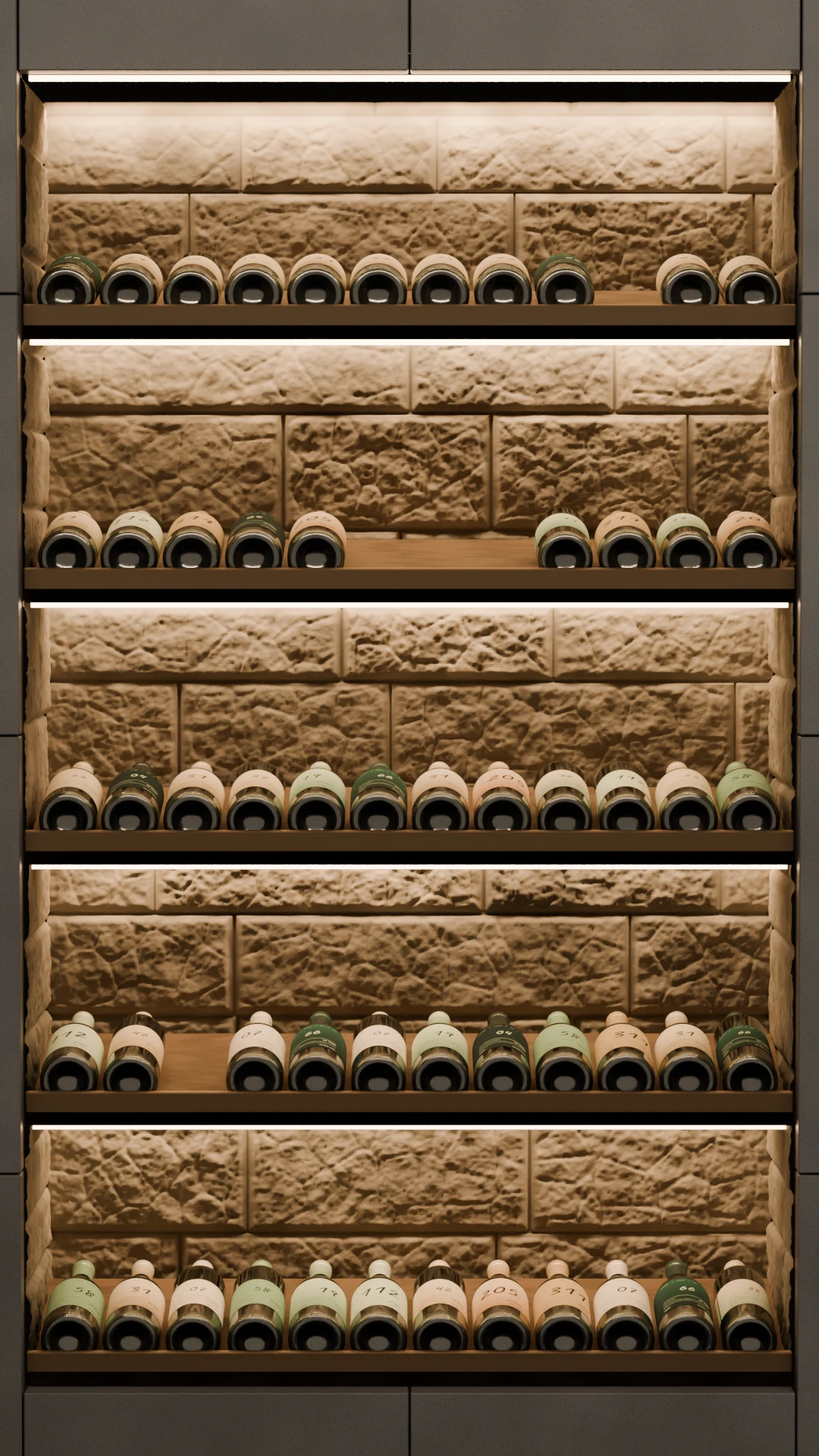
Stone · try it here
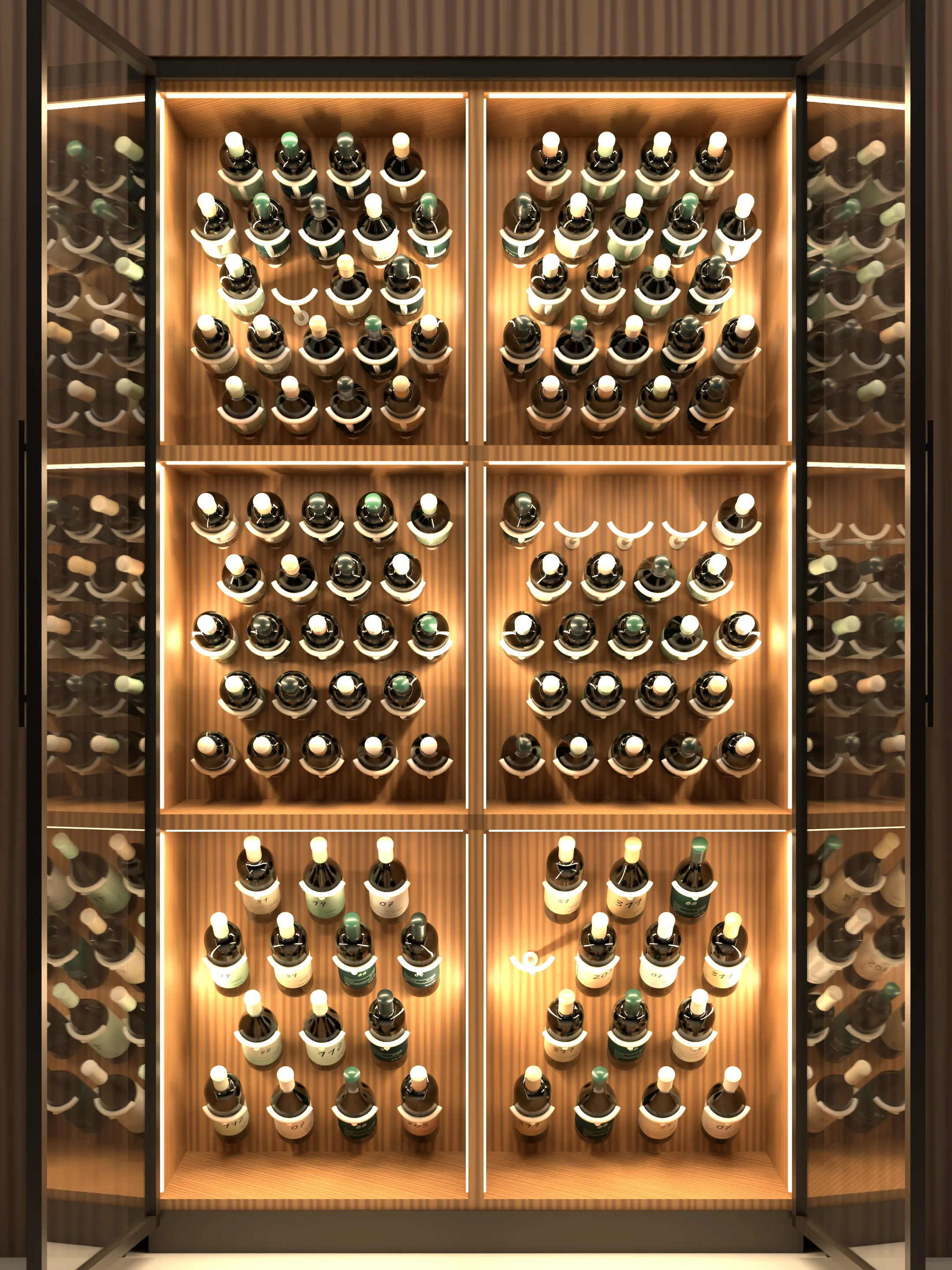
Stone, cubbyholes, arches or a glass cabinet.
Each room is recreated as it is. Choose one and explore.
The case
The real wine cellar, recreated on the website instead of a wine list.
Visitors recognise the room and choose a wine the way they would standing in it.
Who it's forRestaurantsWine barsWine shopsEstates with a tasting roomHotels
What you get
- 01A wine list people explore instead of scroll.
- 02A room people recognise if they have been there.
- 03Every bottle linked to its own sheet.
- 04Filters by type of wine.
- 05The list changes and the wall follows. Update it in the panel, or we do it.
How it works
- Photograph and measure the roomOr start from a drawing, if it doesn't exist yet.
- Recreate the cellar in 3DWith the room's light and materials.
- Link each slot to a wineFrom the wine list.
- Put it on the siteLinked to the wine sheets and the list.
Stack
BlenderCyclesthree.jsEach bottle's slot in one file
Next step
Want your wine cellar like this?
Send us photos of the room and the wine list. We reply with a first idea.
Talk to ushello@kobreno.studio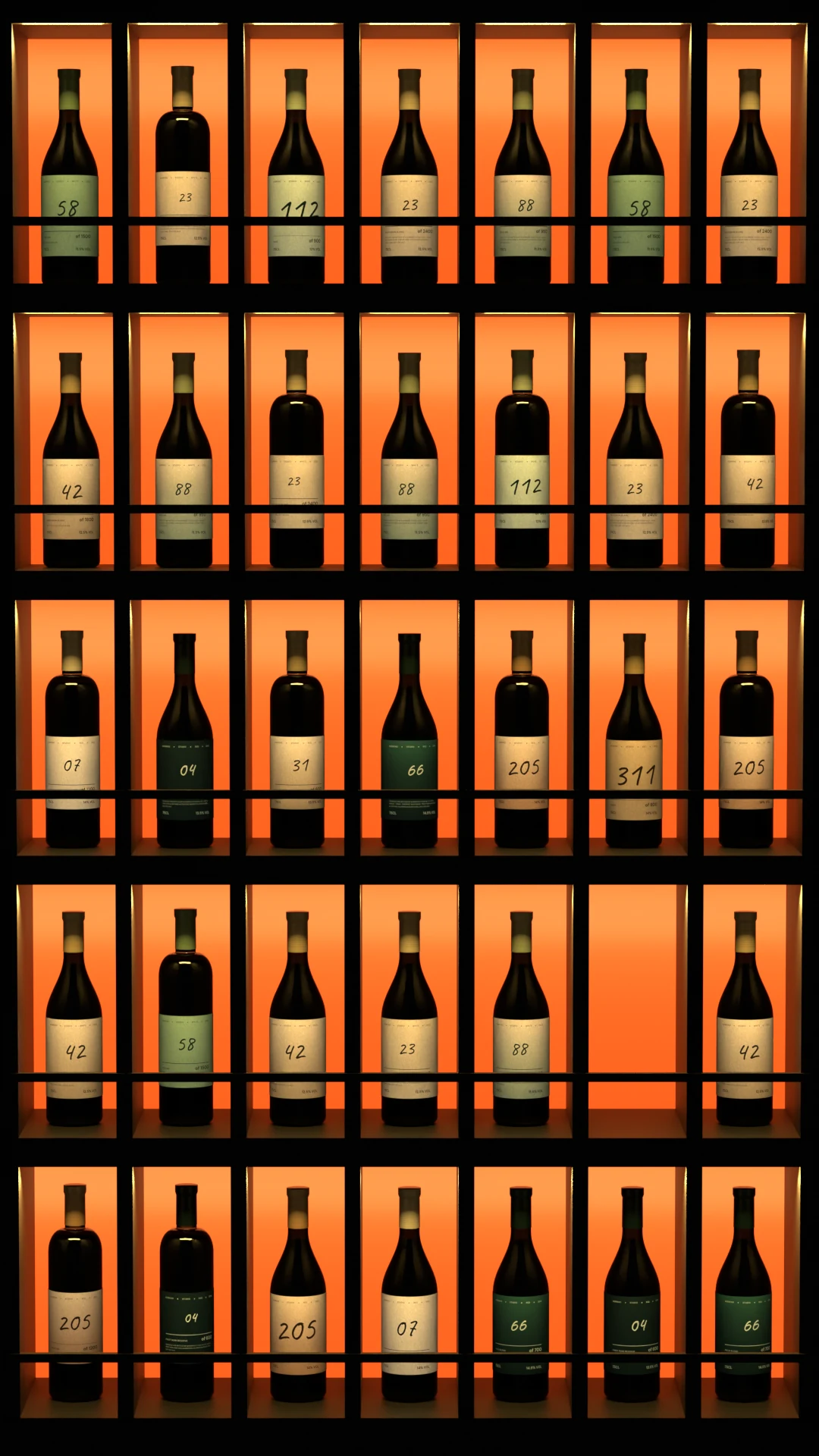
A Kobreno study. Example room, wines and labels.